SplitWells Review
A practical overview of SplitWells
SplitWells is a reactive typing trainer for Kinesis Advantage and split ergonomic keyboard users.
It exists for the moment after someone buys a split ergonomic keyboard and realizes that generic typing tests do not solve the hardest part of adaptation: finding awkward keys, symbols, thumb actions, and real-work characters without looking down.
What SplitWells Does
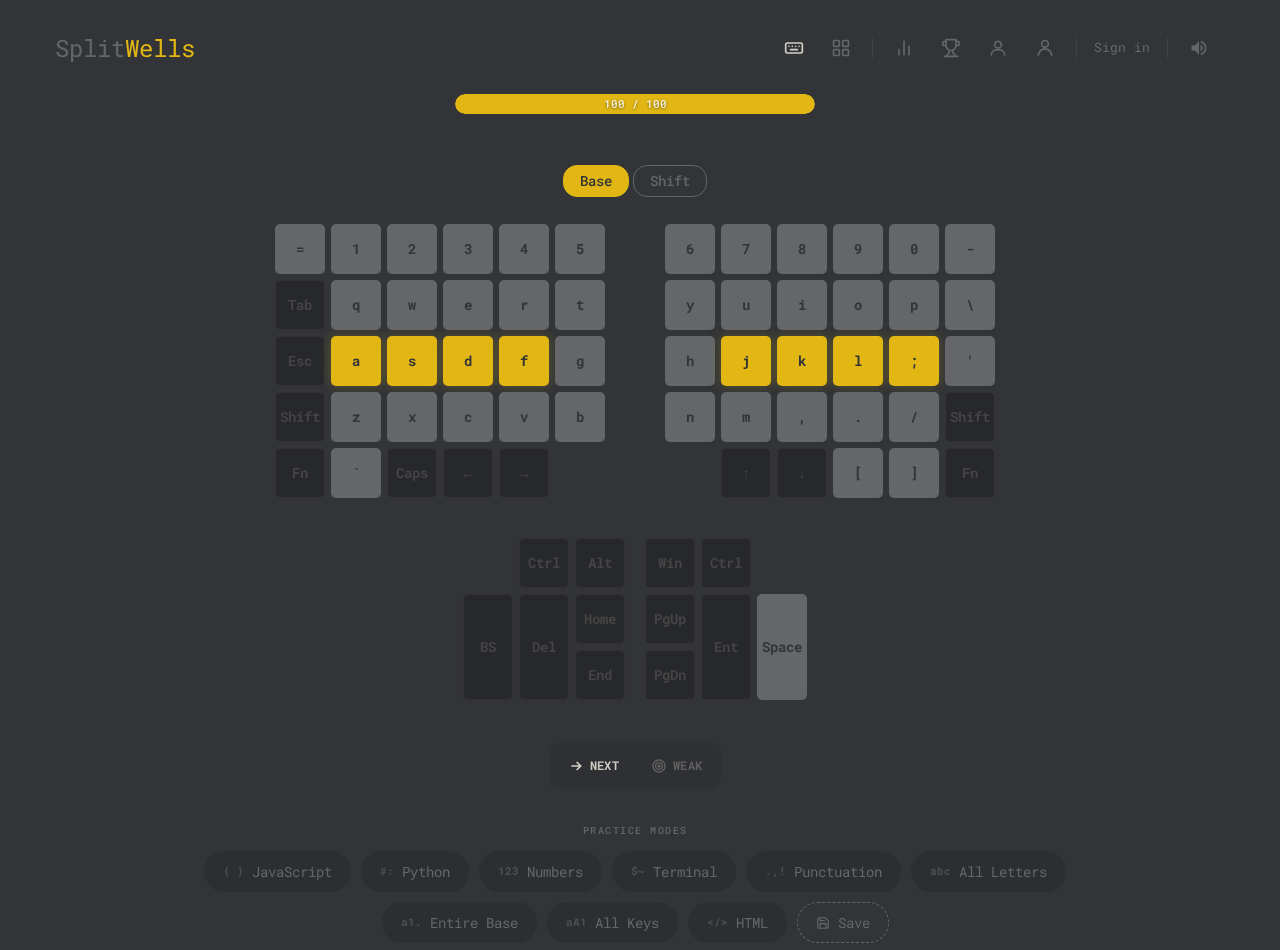
SplitWells lets users practice the exact keys that feel awkward on a split ergonomic keyboard. Instead of asking the user to type normal words indefinitely, it shows a Kinesis-style split keyboard, lets the user select characters, and generates short reactive practice sessions around those selected keys.
The app is especially useful for Kinesis Advantage users because their challenge is not only speed. It is layout adaptation: key wells, separated hands, thumb clusters, shifted symbols, command-line punctuation, brackets, braces, quotes, and correction keys. These are exactly the characters that can remain slow even after broad prose typing improves.
Product Screenshots
Who SplitWells Is For
The primary user is a Kinesis Advantage, Advantage2, Advantage360, or Advantage360 Pro owner who wants to regain real typing confidence. This includes programmers, terminal users, writers, keyboard enthusiasts, and people who moved to an ergonomic layout because normal typing had become uncomfortable.
The strongest fit is a user who can already type but has temporarily lost speed after switching layouts. They do not need a beginner lesson about where A and S are. They need repetitions on the new physical map, especially the keys that interrupt real work.
Where SplitWells Fits Among Typing Tools
Most typing tools are useful for a specific job. SplitWells is not trying to replace all of them. It exists for the narrower moment when a capable typist switches to a Kinesis or split ergonomic keyboard and needs the new physical layout to feel automatic.
The table below is a practical comparison, not a ranking. Each category can be the right choice for the right user. SplitWells fills the gap around layout-specific practice, programmer symbols, thumb-key confidence, and per-key feedback.
Monkeytype
Fast typing tests, rhythm, broad WPM practice, and a clean benchmark for normal prose typing.
It does not know the physical shape of a Kinesis-style keyboard, and word tests can hide weak symbols, thumb keys, and command-line punctuation.
SplitWells focuses on the awkward keys themselves, so a user can isolate braces, slashes, quotes, modifiers, or thumb actions instead of hoping they appear often enough in a normal test.
Keybr
Adaptive letter practice and rebuilding basic touch-typing confidence through repeated character patterns.
Its main strength is letter learning. Kinesis users often need more targeted practice for programmer symbols, remapped keys, thumb clusters, and real-work punctuation.
SplitWells starts from the layout problem: which physical keys feel unreliable on this split keyboard, and what should be repeated next?
Typing.com and TypingClub
Beginner lessons, classroom-style typing education, and structured progress for people learning standard keyboard fundamentals.
An experienced typist switching to a Kinesis Advantage usually does not need beginner lessons. They need help transferring existing skill to a very different physical layout.
SplitWells assumes the user can already type and gives them focused practice for the keys that interrupt real work after the switch.
Code typing tools and snippet practice
Practicing realistic code strings, language syntax, and editor-like typing flow.
Code snippets are useful, but they can still be too broad when one or two symbols are the real bottleneck. They also usually do not connect mistakes to a Kinesis-style visual layout.
SplitWells can narrow practice down to the exact characters behind the slowdown, then use analytics to show whether those keys are improving.
Kinesis manuals and layout references
Understanding the keyboard, remapping keys, learning hardware features, and checking where each key lives.
Reference material tells the user where keys are, but it does not create repeated practice, track weak keys, or turn mistakes into the next drill.
SplitWells turns the reference map into an interactive practice loop: choose keys, type them, see misses, repeat the weak spots, and build confidence over time.
Core Features
Visual split keyboard practice
The app presents a Kinesis-style split keyboard layout so users can connect practice to the actual physical positions that feel unfamiliar.
Selectable key drills
Users can choose specific keys or characters instead of relying on a generic lesson order. This makes it practical to drill braces, slashes, quotes, or any awkward cluster directly.
Work-specific presets
Presets for JavaScript, Python, Linux CLI, HTML, numbers, and text help users practice the characters that appear in real work.
Analytics and heatmaps
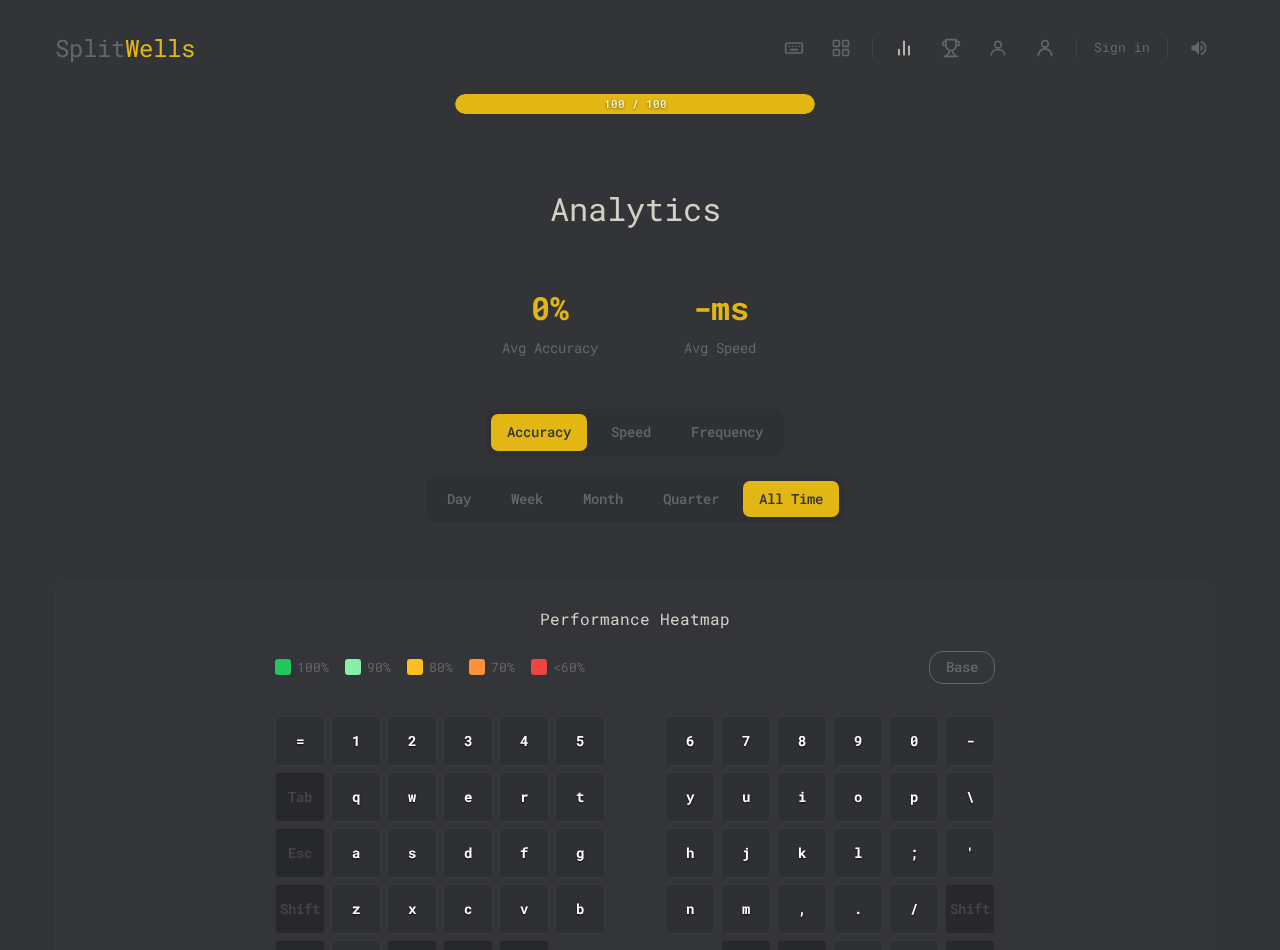
Per-key stats, performance graphs, and heatmaps make it clear which characters should be repeated in the next session.
Achievements and profile progress
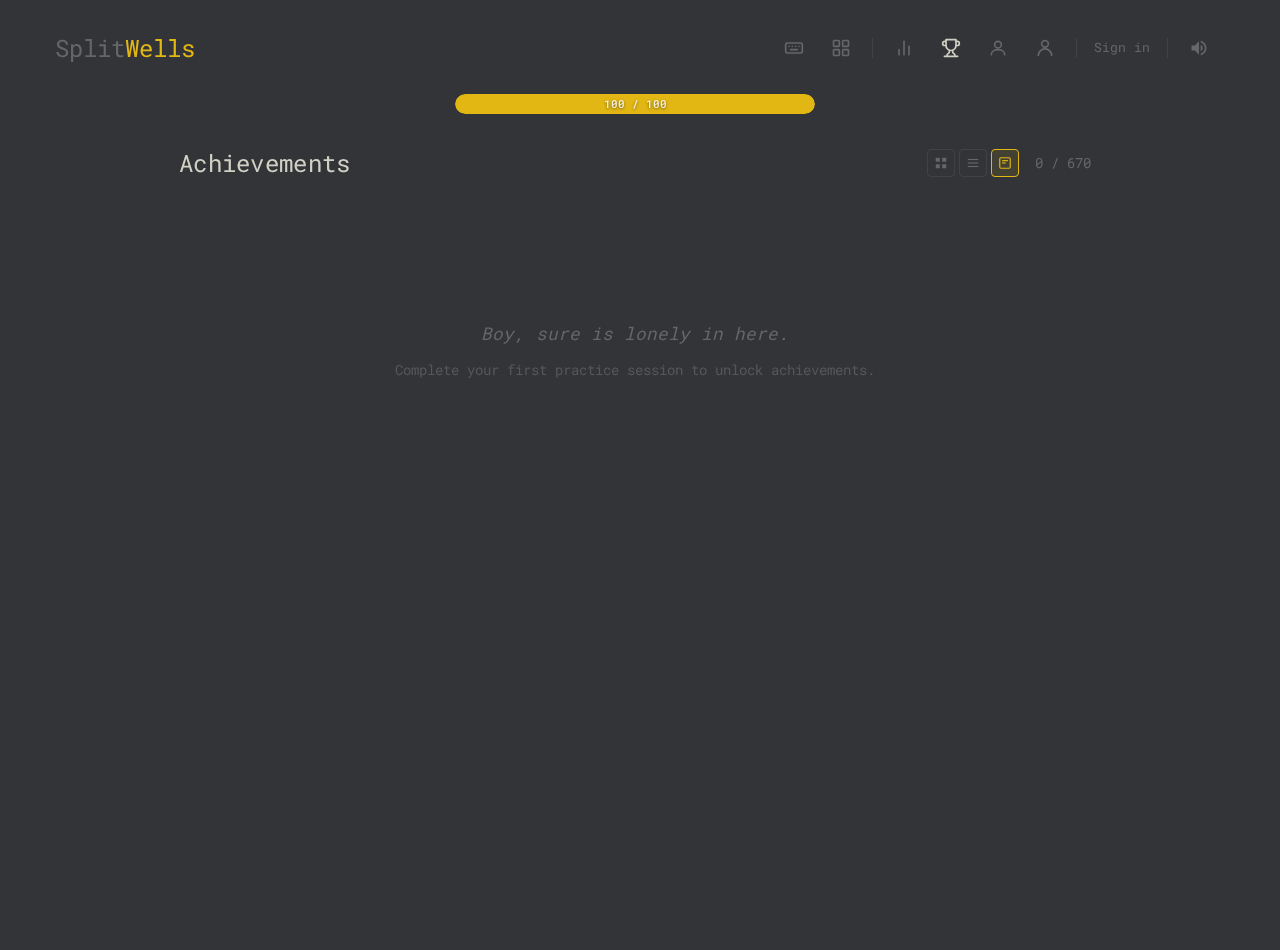
Achievements, titles, levels, streaks, and profile stats give users small goals without changing the core purpose of the app.
Optional cloud backup
Core progress is local-first. Signed-in Lifetime users can save and restore a cloud backup of progress, presets, achievements, keyboard builds, and settings.
Pricing and Account Model
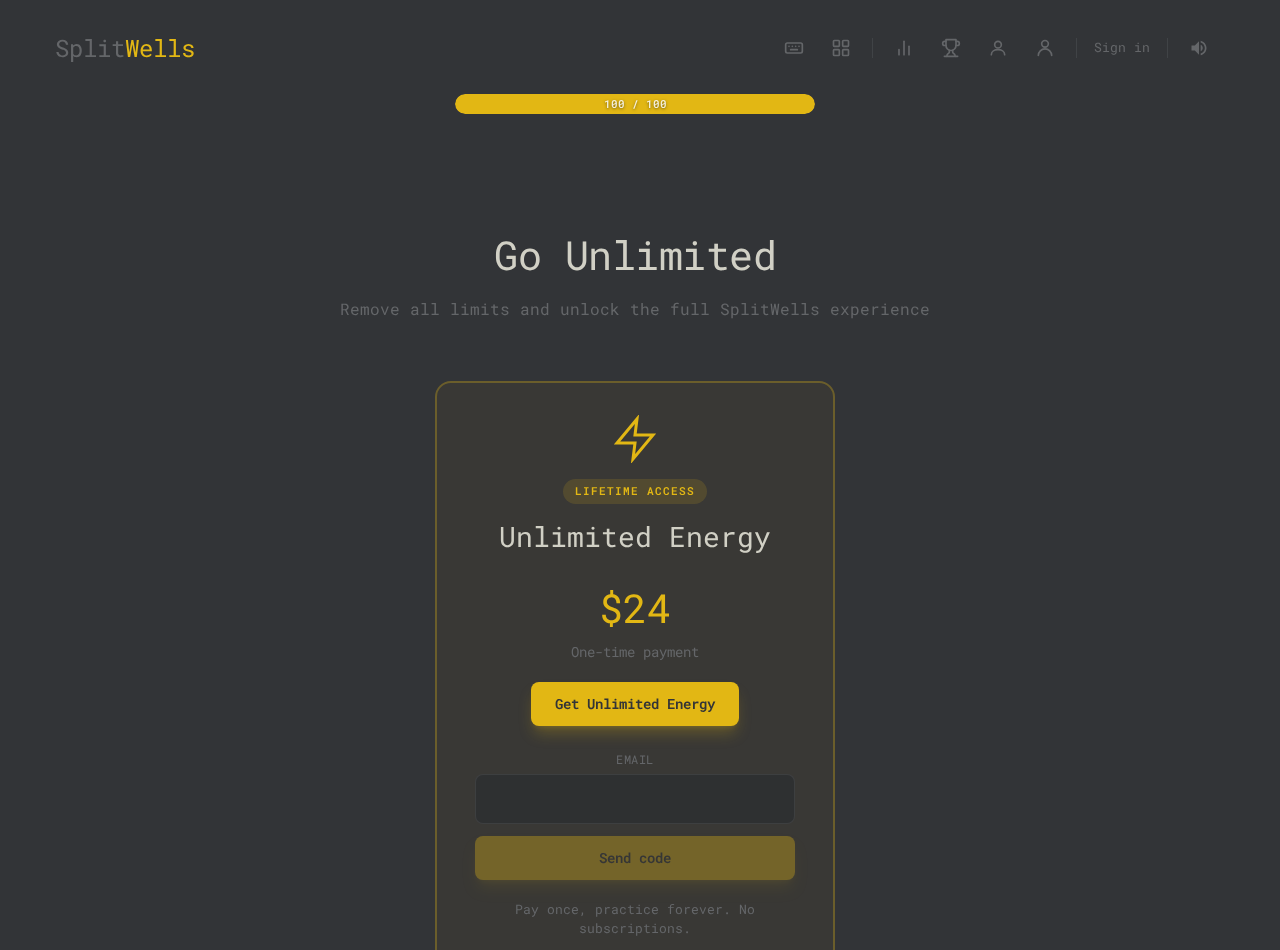
SplitWells has a free tier with limited energy. Energy regenerates over time, and users can practice without creating an account. The Lifetime plan is a one-time $24 purchase that unlocks unlimited energy, Edge Practice, and cloud backup. There is no subscription.
Accounts use email one-time-code login through Supabase. This keeps the account model simple: the email address owns the purchase and cloud backup. Payments are handled by Stripe Checkout.
Strengths
- Very specific fit for Kinesis Advantage users, not a generic typing-app clone.
- Strong match for programmers because it trains symbols and CLI characters directly.
- Local-first practice works without account friction.
- Per-key analytics make the next practice session obvious.
- One-time pricing is easy to understand for a small utility product.
Limitations
- The visual layout is most tailored to Kinesis Advantage-style keyboards.
- Users seeking broad competitive typing races may still prefer Monkeytype.
- Cloud backup and unlimited practice require Lifetime access.
- The app is intentionally narrow; it is not a complete typing education platform for every keyboard.
Quick Summary
The shortest accurate description is: SplitWells is a browser-based typing trainer for split ergonomic keyboard adaptation, especially Kinesis Advantage users. It focuses on reactive character-level practice, selectable key drills, programmer symbols, command-line characters, analytics, achievements, local-first storage, optional email login, Lifetime purchase, and optional cloud backup.
The practical promise is not "type faster in general." It is "recover real-work typing confidence on a Kinesis-style split ergonomic layout."
Try SplitWells
Start with a few awkward keys, practice for two minutes, and let the session results tell you what to train next.
Start practicing